Two shortcuts. Your choice.
Keep DJI Fly in its fixed spot and choose a second installed app: a camera, simulator or another companion. The companion apps are separate installations.
 automesh

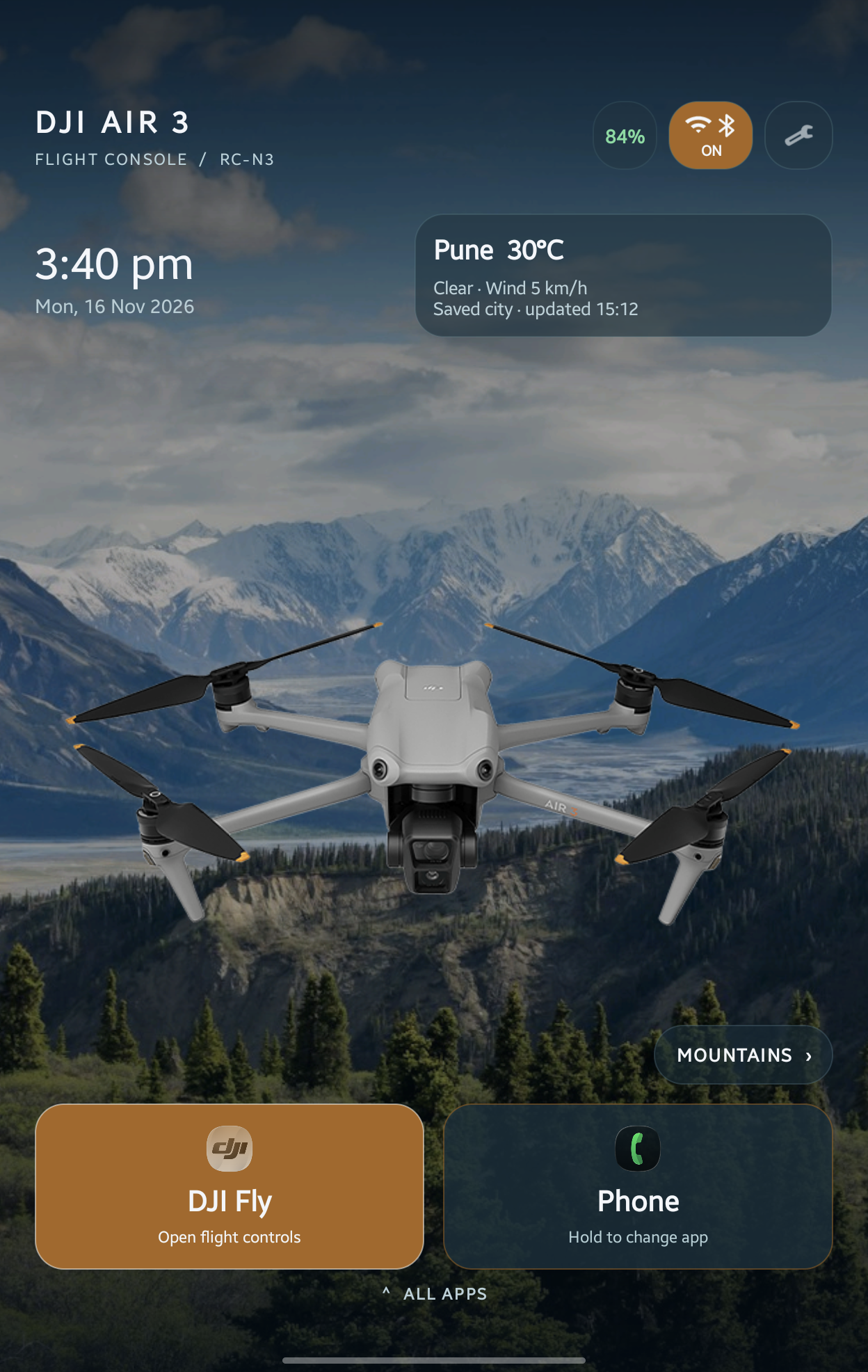
A focused home for DJI Fly and your favourite companion app. Make it yours with aircraft artwork, moving scenery and the details you want at a glance.
An independent Automesh launcher. DJI Fly handles flying and pairing; the selected aircraft and controller labels customize the launcher’s appearance.
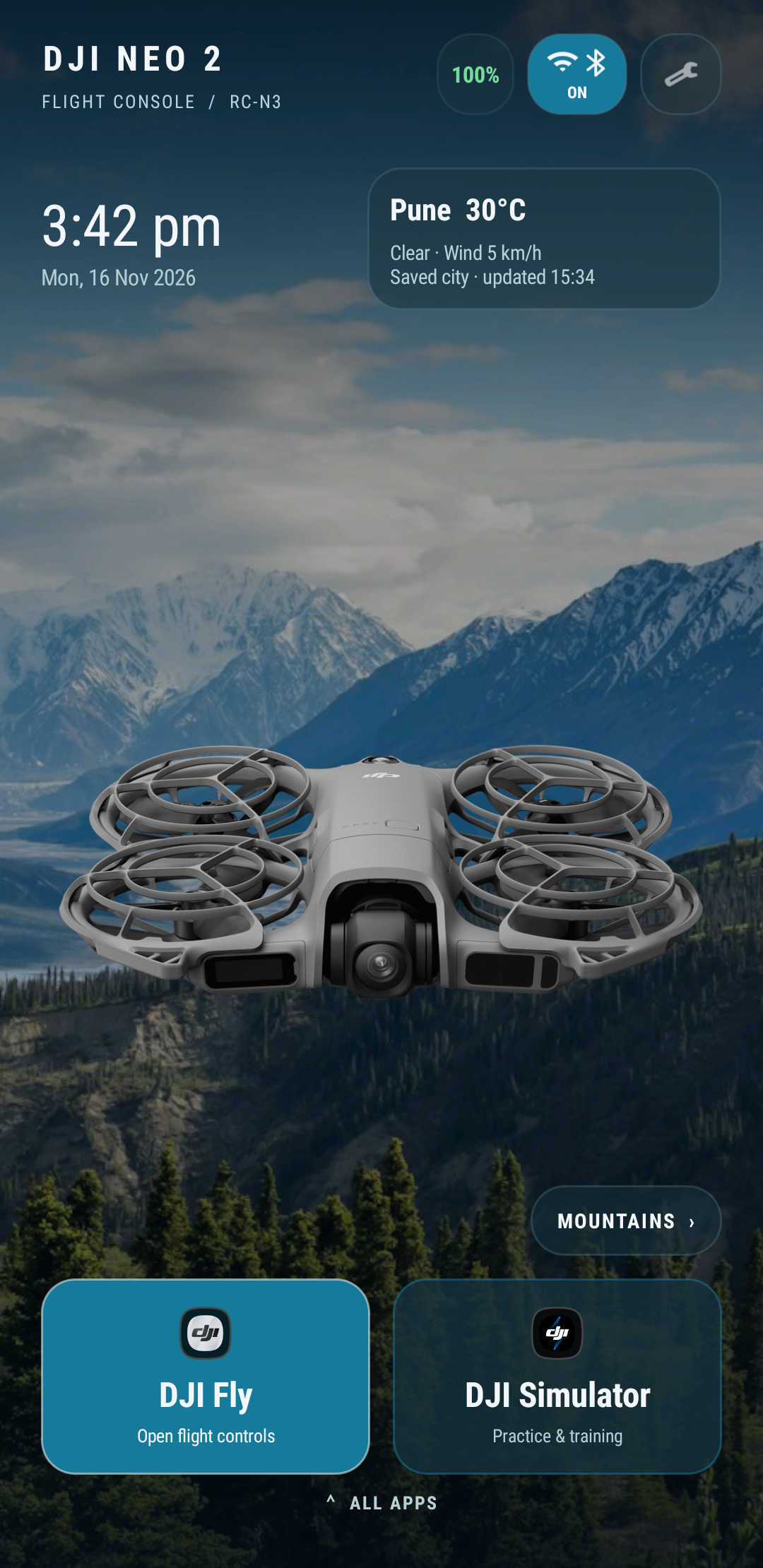
Keep DJI Fly in its fixed spot and choose a second installed app: a camera, simulator or another companion. The companion apps are separate installations.
Swipe up for a searchable app drawer. Open another installed app, change the second shortcut, or return to Android’s home-app settings.
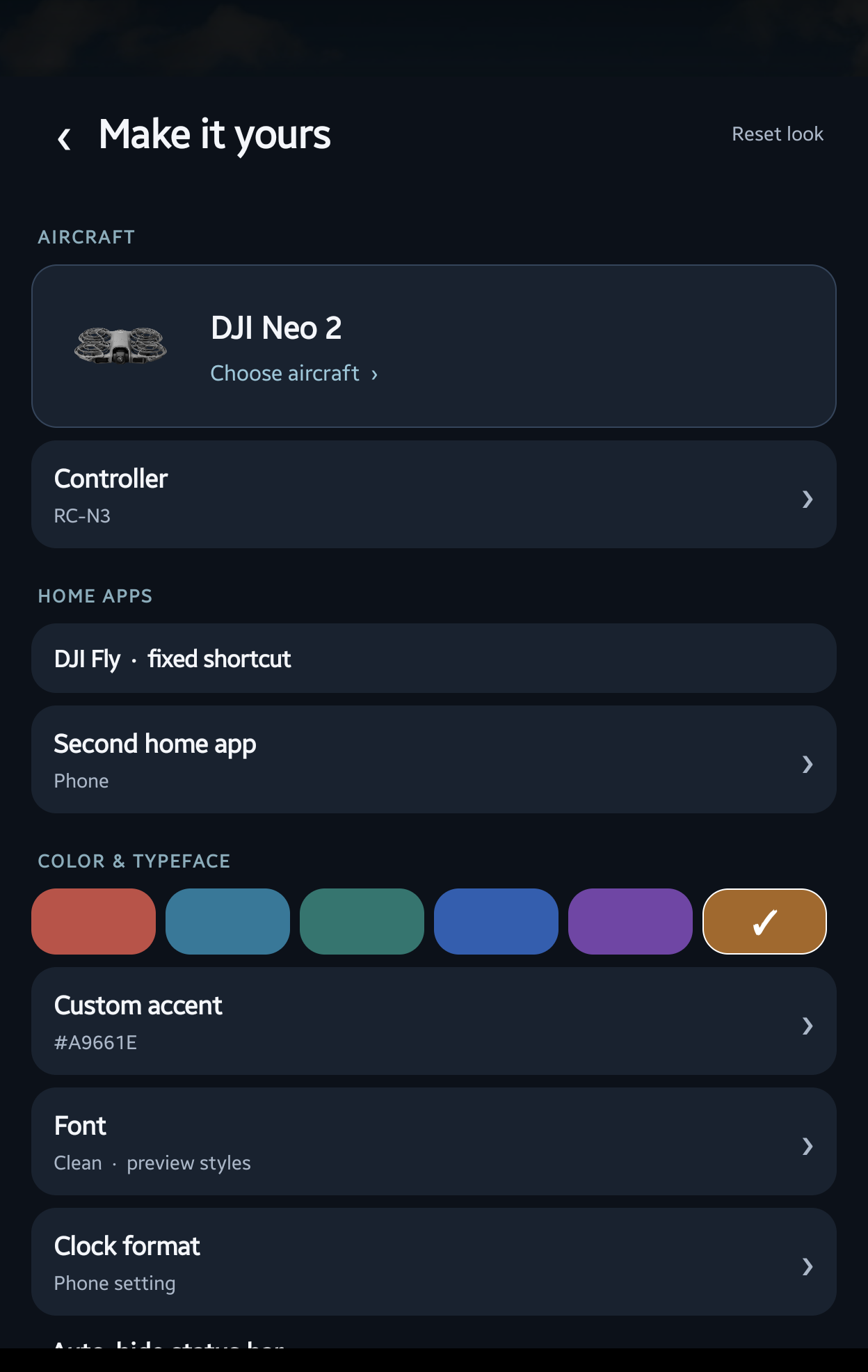
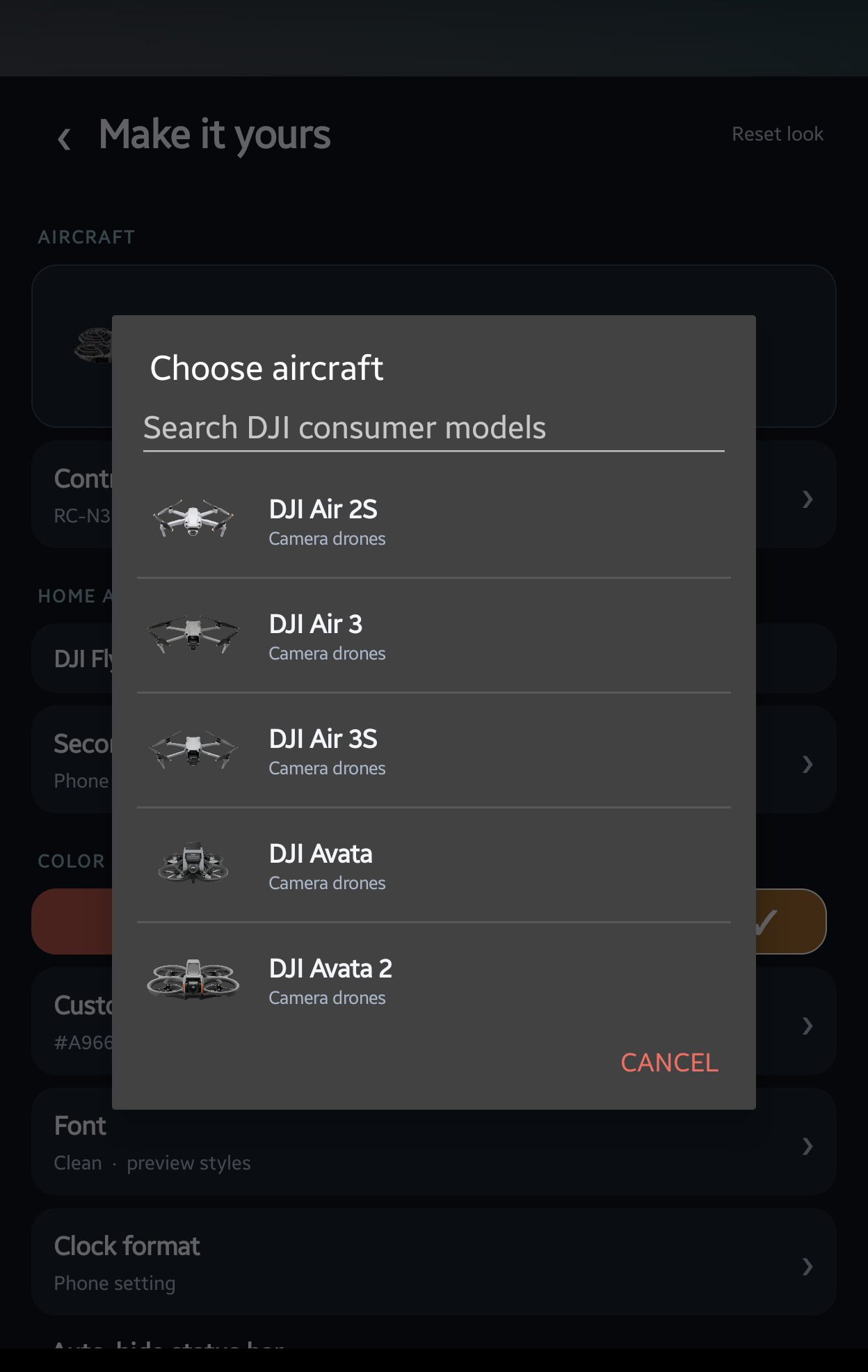
Browse 38 consumer DJI model and family visual profiles, then edit the controller label. These change the artwork and text, rather than pairing with an aircraft.
Choose a font and accent, adjust the clock format, and optionally hide the status bar for a quieter home screen.
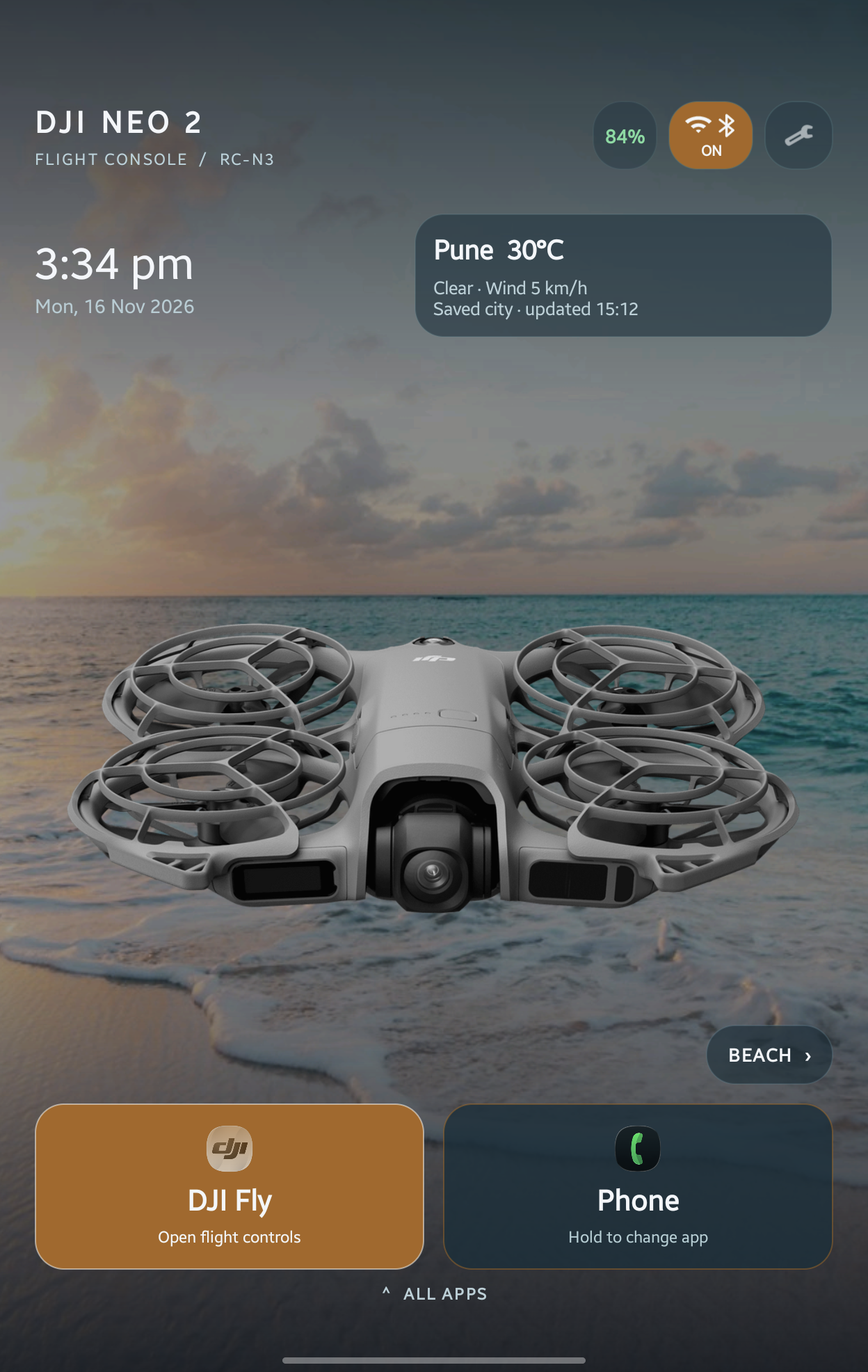
Switch between bundled mountain, beach and architecture photographs with subtle motion. Choose the backdrop that suits your setup.
See time, weather and battery status, with access to Android’s Wi-Fi and Bluetooth controls. Wireless behaviour follows your Android version and permissions.
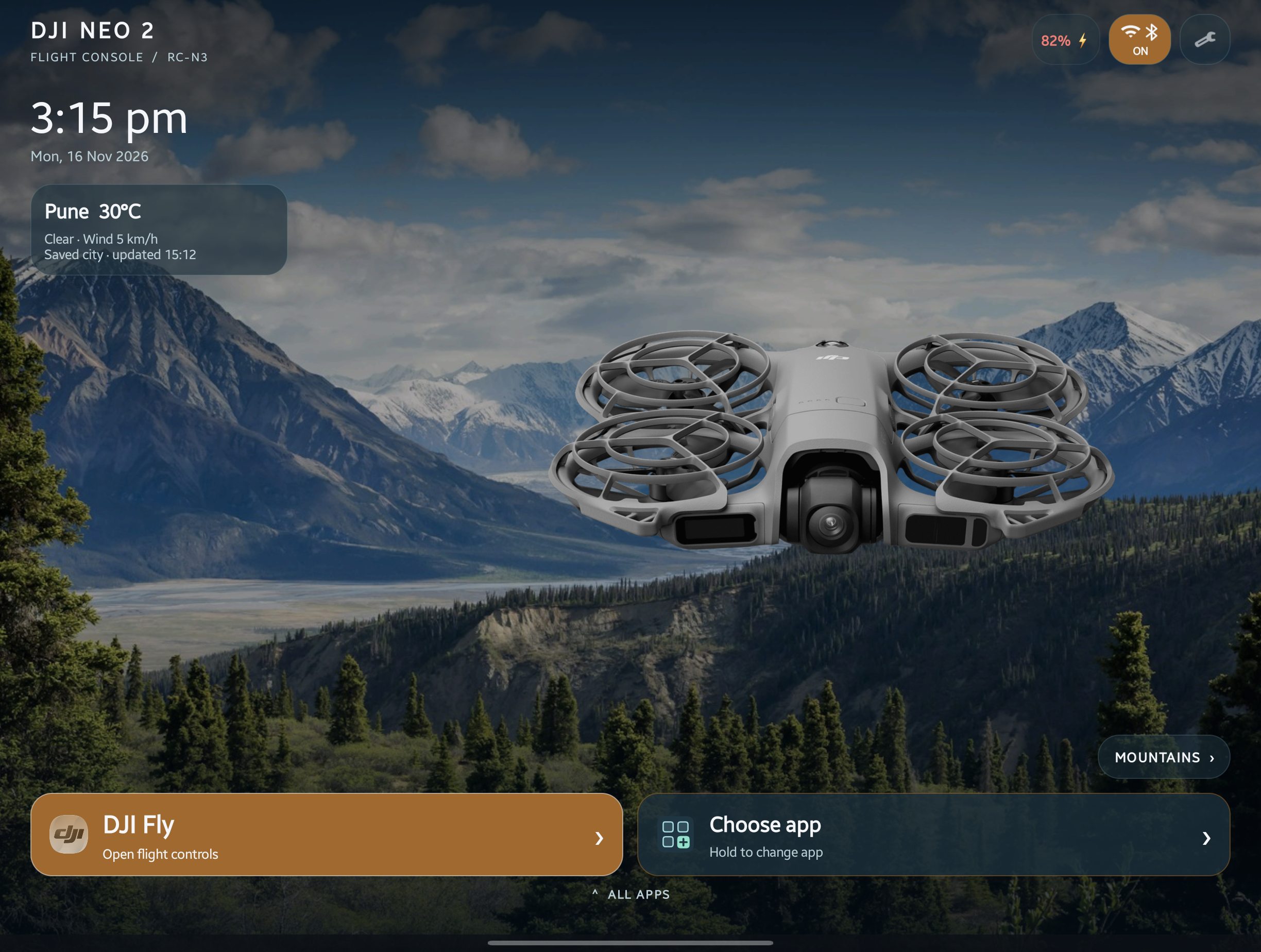
The same launcher has layouts for a conventional phone and an unfolded display. These screenshots come from the running app on a Note9 and a Galaxy Fold.
Keep the larger layout when there’s room, or take the compact setup with you.
See the screensExplore the current prototype. Select a screen to view it at full size. Aircraft selections are visual profiles; displayed weather and device status are the values captured at the time.
Flight Console is independent of DJI and is not an official DJI product. It opens your chosen apps; it does not control a drone, receive flight telemetry or provide AI piloting.
The prototype’s launcher interface has been checked on a Note9 and a Fold. Real-flight and endurance validation have not been completed. The weather panel describes the local area, rather than conditions at flight altitude.
No ads, in-app purchases, accounts or analytics are included in the current app. Weather requests and the optional DJI download-page lookup contact external services; see the privacy policy for the details.
Closed test live · Version 2.1
Version 2.1 is now available to eligible closed-test participants. Join the group, accept the Google Play testing invitation and install the app using the same Google account.
Join Flight Console Tester using the Google account you use in the Play Store. Anyone can join the group, with no approval needed.
Join the tester groupOpen the opt-in page with the same Google account you used to join the group, then accept the testing invitation.
Become a Google Play testerAfter joining the group and accepting the testing invitation, open the Play Store listing and install Flight Console. Keep the Play Store signed into that same Google account. Device and country eligibility still apply.
Install on Google PlayGroup membership alone does not install the app or activate the Play test. Access also depends on your device and country. Tester group: flight-console-tester@googlegroups.com.
Testing feedback & supportShare your phone model, Android version and the setup you’d like to try.